Free · No sign-up · Nothing uploaded
App store screenshots, designed once and exported in every size.
A free screenshot maker for the App Store and Google Play. Pick a template, drop in your app’s screens, write your headlines and translate them — then export every size each store asks for, in one ZIP. It all runs in your browser, so your screenshots never leave your device.
- Exact sizes for iPhone, iPad, Android and the Play banner
- 24-bit PNGs with no alpha, checked file by file
- Captions in 30 languages
- No account, no watermark, no limits
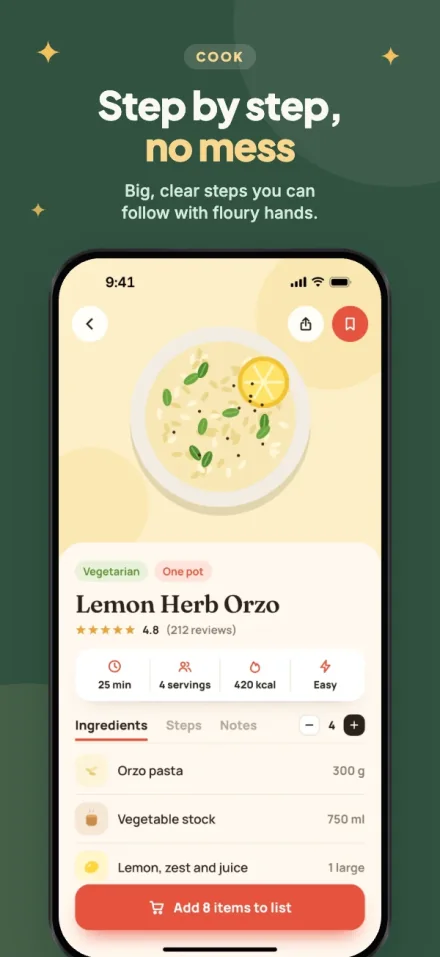
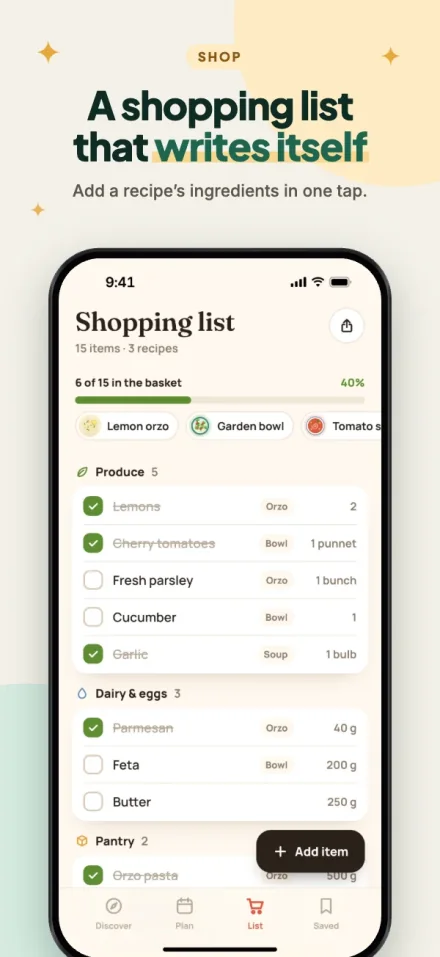
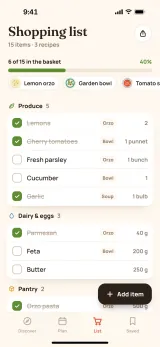
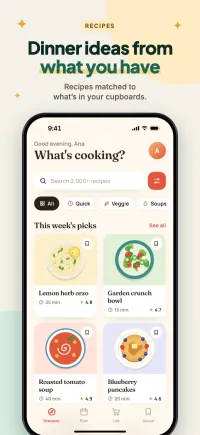
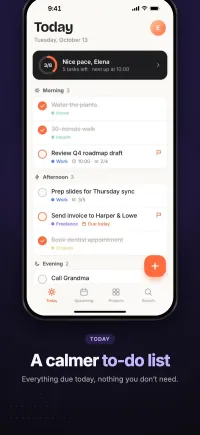
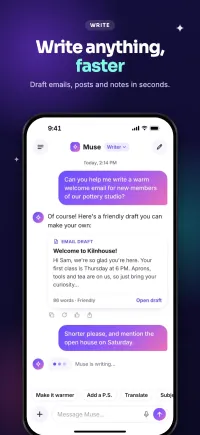
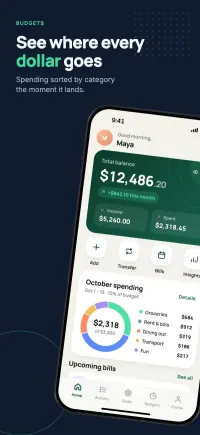
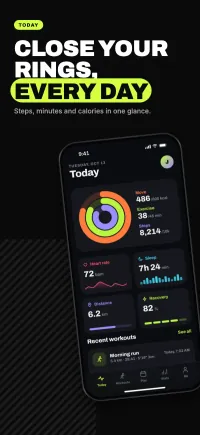
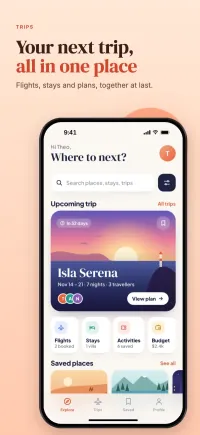
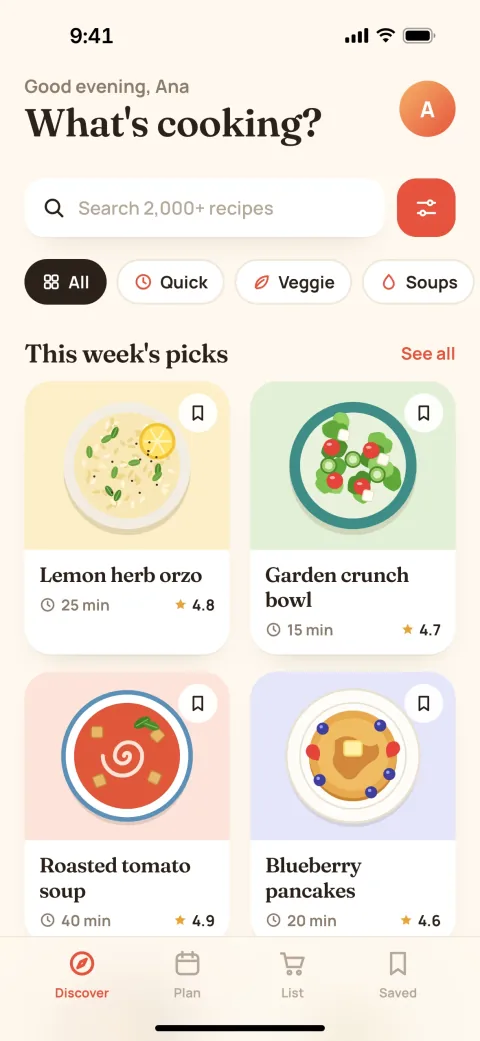
From screenshots to store-ready in three steps
1. Pick a look
15 original templates, each built for phones, tablets and the Play banner. Switch any time — your words and screenshots come with you.
2. Drop in your screens
Drag your app’s screenshots onto the devices. Frames take each screenshot’s exact shape, so nothing is stretched and nothing is cropped.
3. Export everything
Every size each store asks for, in every language you choose — one ZIP, foldered and named for each store’s upload page.
An editor that stays out of your way
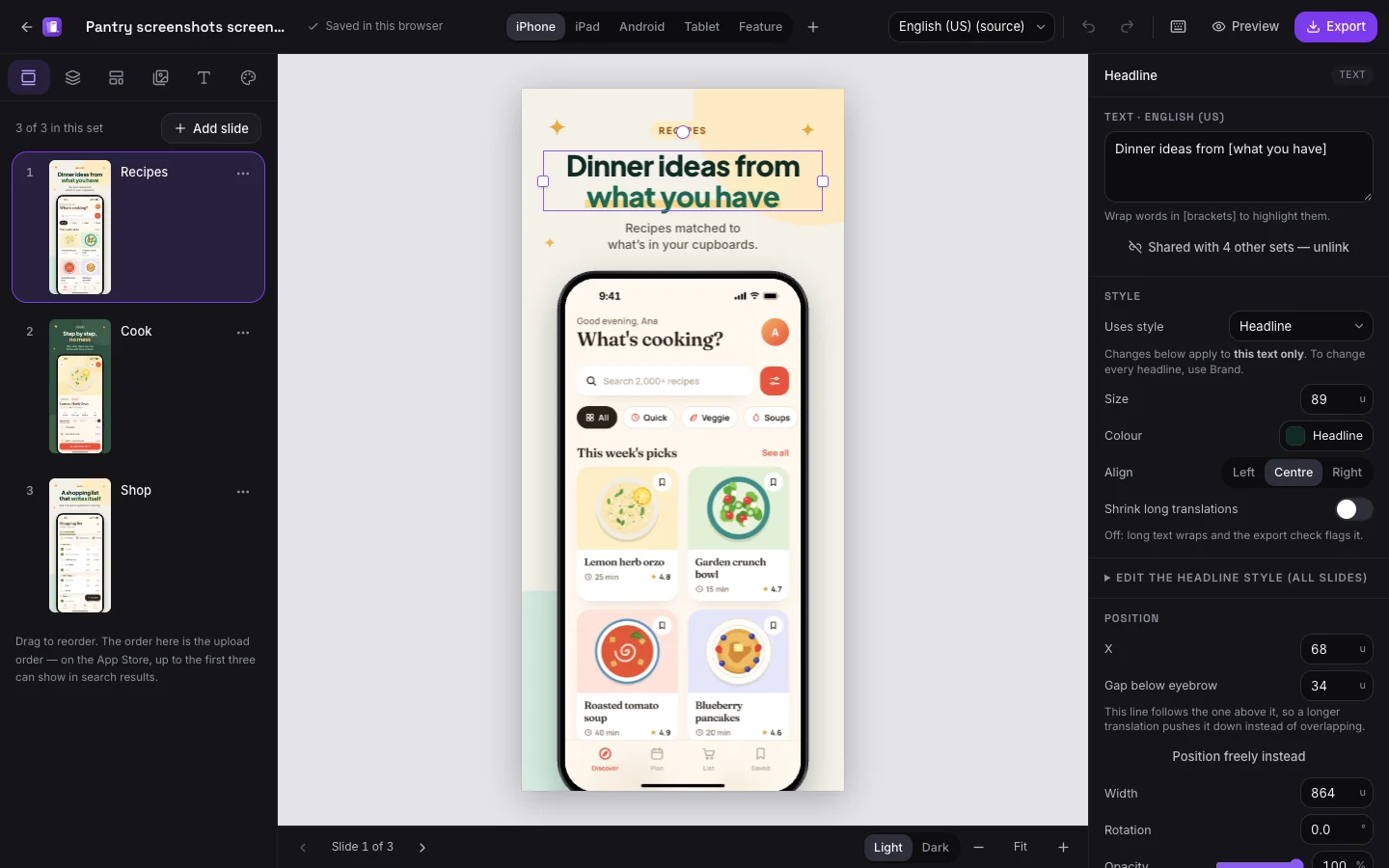
A dark workspace so your screenshots are what you look at, on a neutral grey canvas so their colours read true. Slides on the left, everything about the selection on the right.
Built for how store screenshots actually get made
One design, a whole sequence
Text styles and brand colours belong to the project, not the slide. Change the headline font once and every screenshot follows; “Match on all slides” lines every device up in a click.
Every store size, exactly
iPhone, iPad, Android phone and tablet, and the Play feature graphic — each drawn fresh at its own pixel size, never resized from another, so text stays sharp.
Translate without redesigning
Each caption has a version per language. Longer translations push the text below down instead of overlapping it, and anything that still doesn’t fit is flagged before export.
Checked before you upload
Sizes, formats, counts and transparency are checked against the stores’ published rules, and every file is read back after it is made. Problems link straight to the slide.
A real editor when you want one
Move, resize and rotate anything, with layers, snapping guides, undo, copy and paste between slides, gradients, shapes and a dozen openly licensed typefaces.
Private by design
No account and no upload. Projects live in your browser; a backup file moves them between computers. Your screenshots never touch our servers — the only thing that does is a website address you ask us to capture, and nothing is kept.
The sizes the stores ask for — and only those
Sizes come straight from Apple’s and Google’s documentation, last checked October 13, 2026. The required ones are ticked for you; the optional ones are a click away.
App Store
iPhone with Dynamic Island (medium display)
1206 × 2622required
App Store
iPhone with Dynamic Island (large display)
1320 × 2868optional
App Store
iPad 13-inch display
2064 × 2752required
Google Play
Phone
1080 × 1920required
Google Play
Tablet
1440 × 2560optional
Google Play
Feature graphic
1024 × 500required
Every language, same design
Add a language and translate the captions — the layout, colours and devices stay shared. Use a different screenshot per language where your app’s UI is translated too. Change the original later and translations are flagged for review, never silently overwritten.
Working with a translator? Download every caption as a spreadsheet and import it back. Export folders use each store’s own language codes, so each one drops straight into its localisation.
30 languages and regional variants, from French, German and Spanish to Japanese, Korean and Chinese.
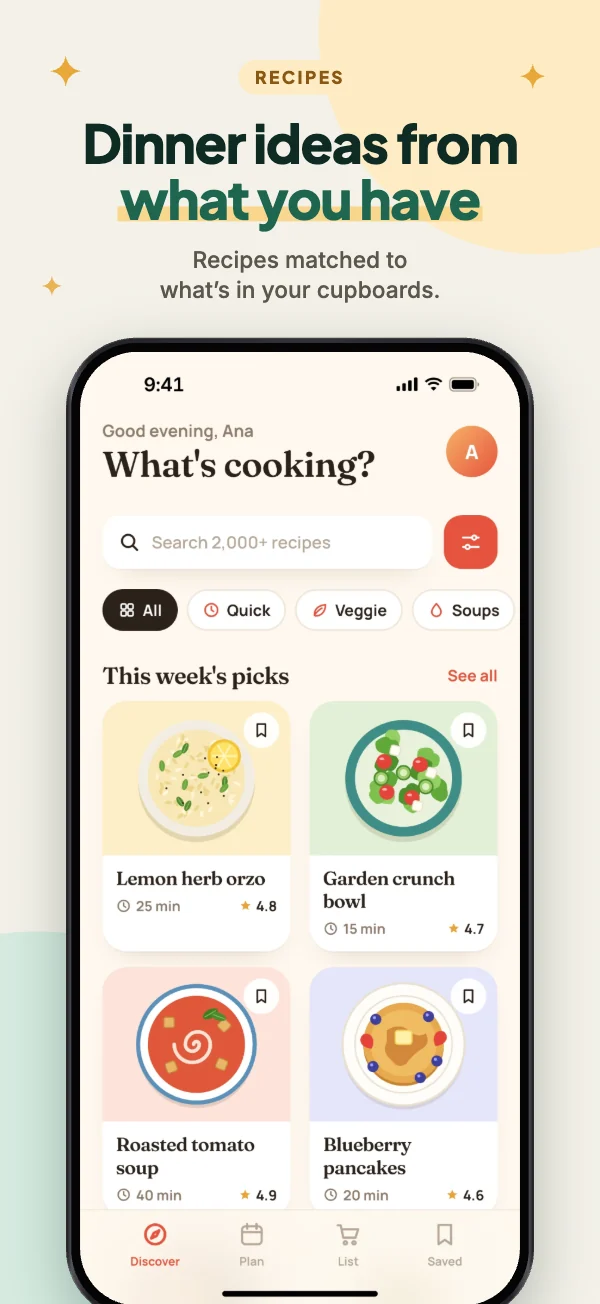
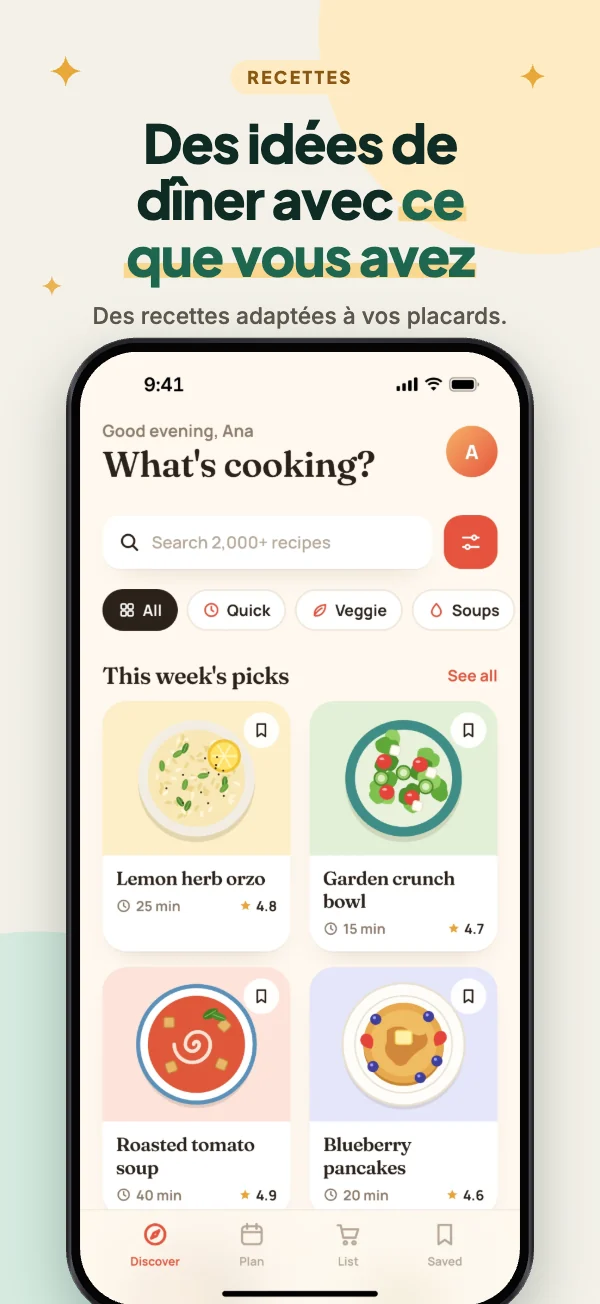
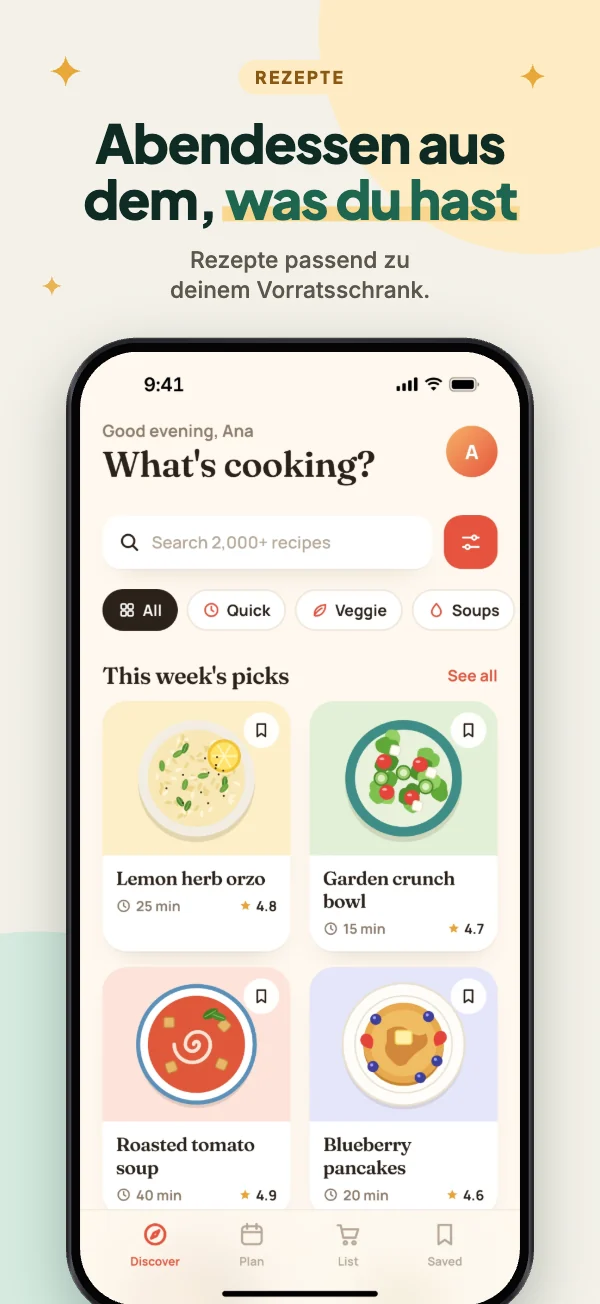
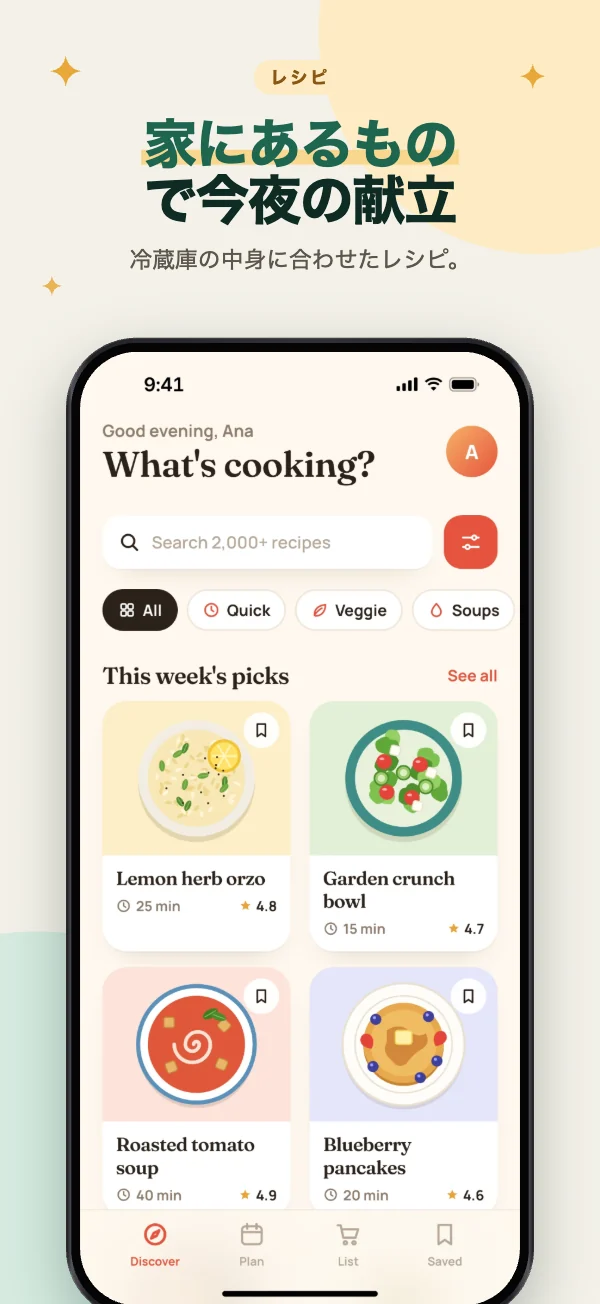
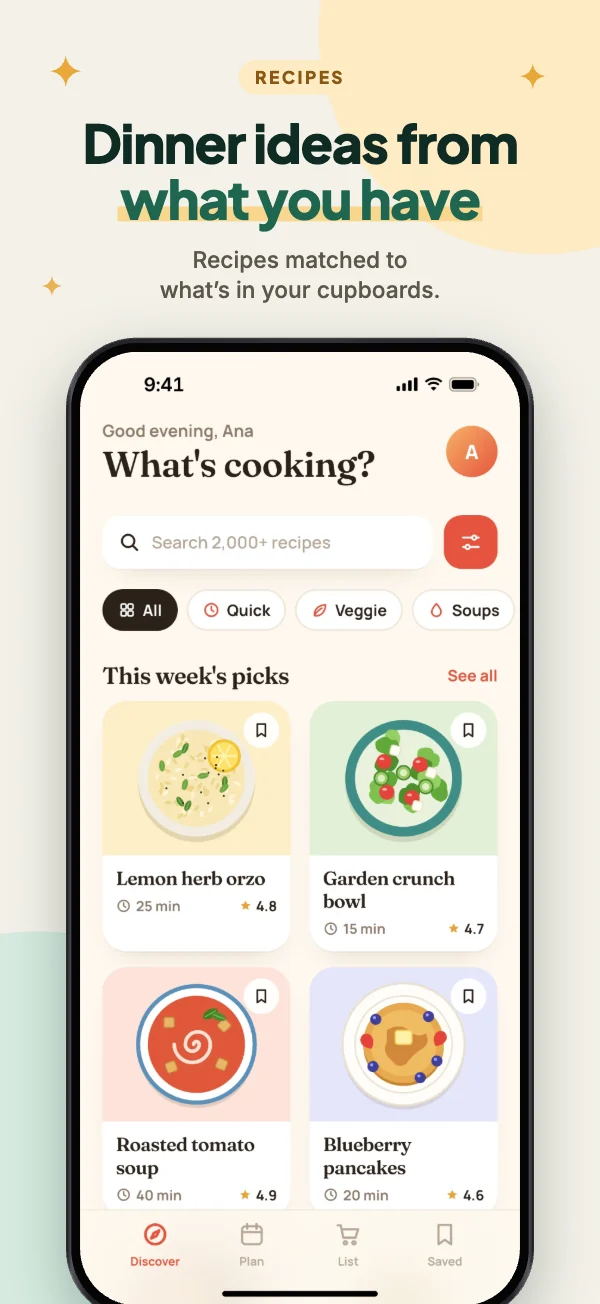
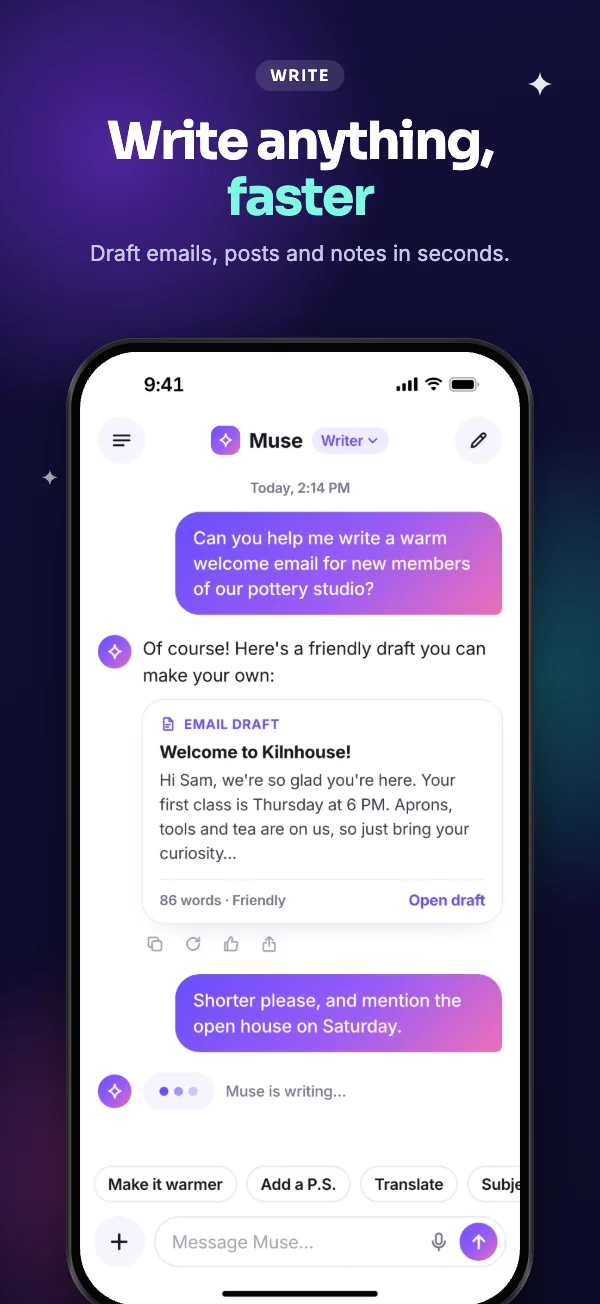
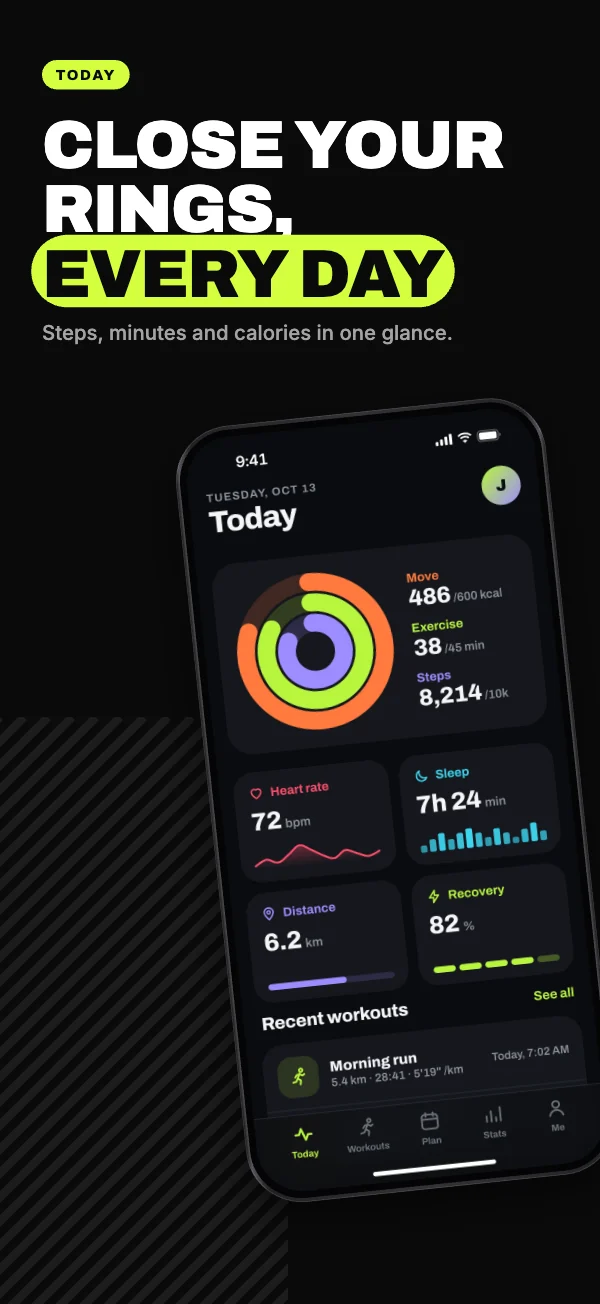
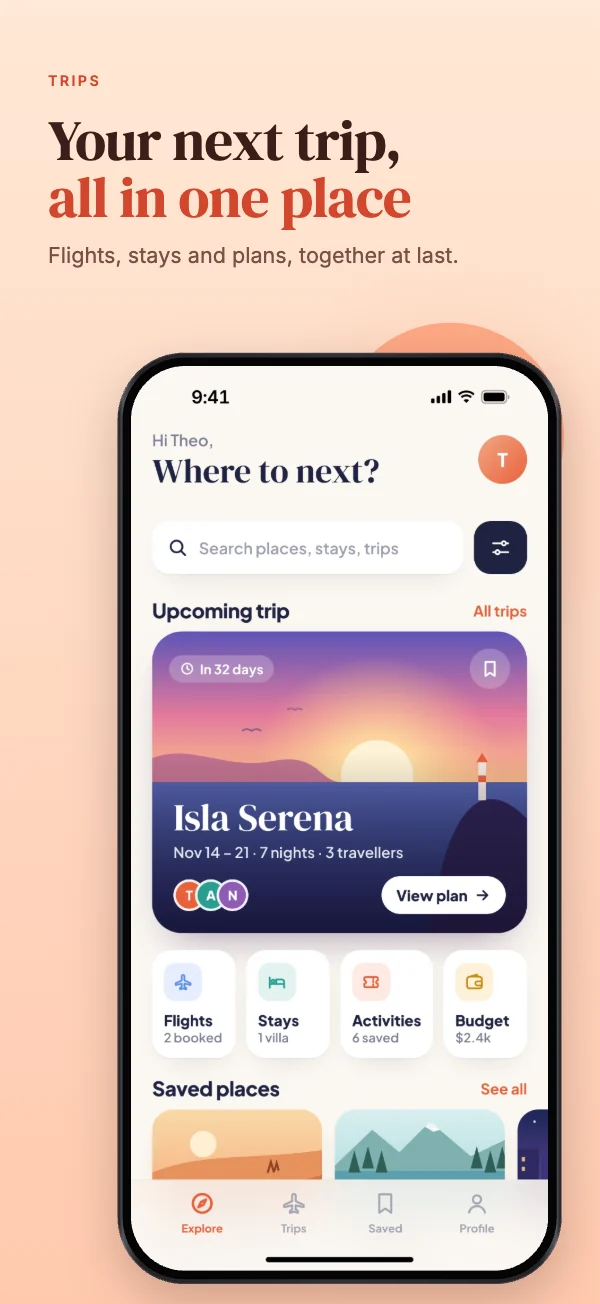
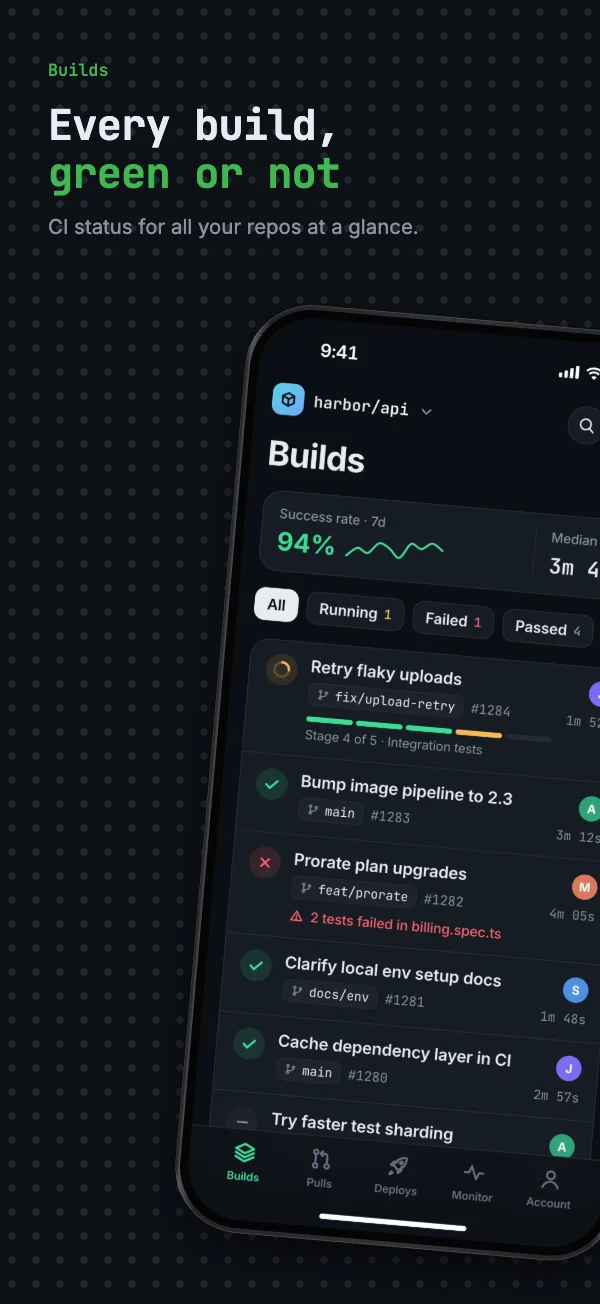
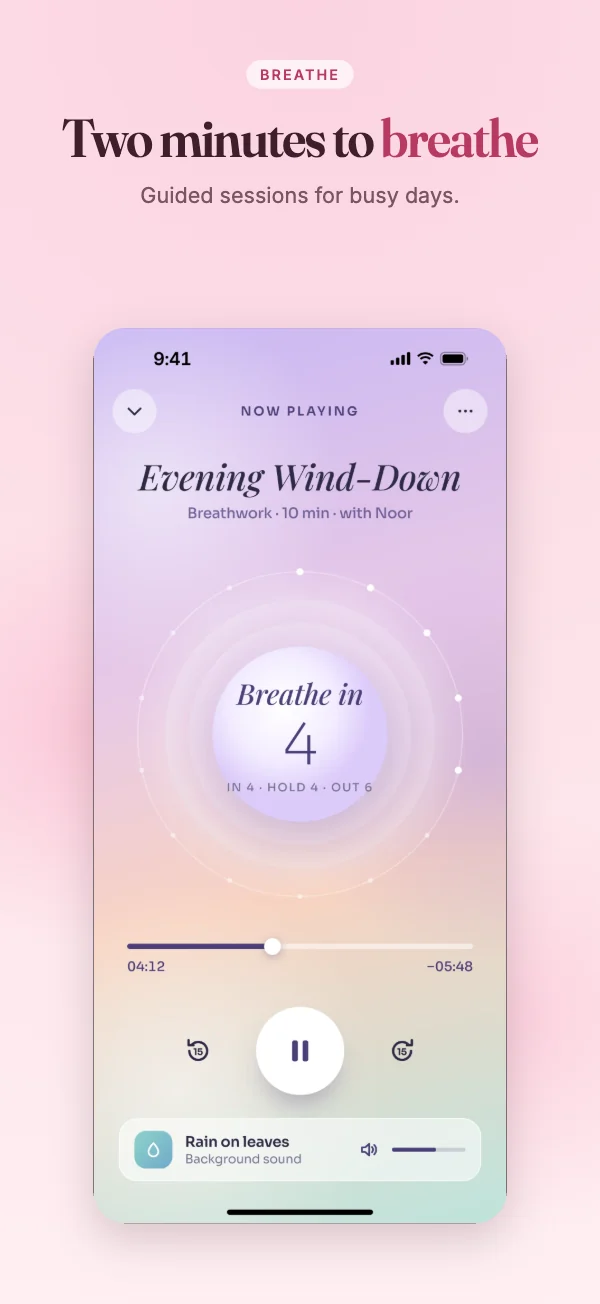
15 templates, each genuinely different
Different typefaces, layouts and colour logic — not one design recoloured. Every one works on iPhone, iPad, Android and the Play banner.
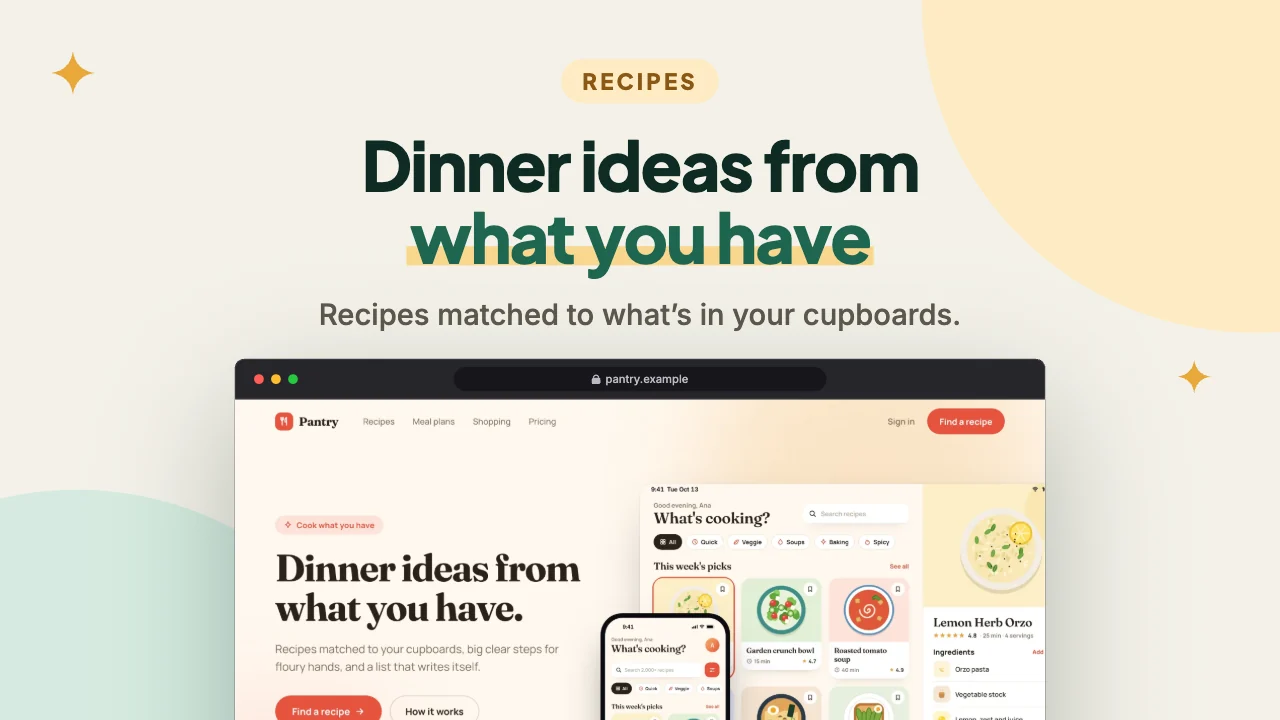
Websites too: browser mockups from any address
Paste a URL and the studio photographs the page, puts it in a clean browser window on any template, and exports it as a 16:9 slide, a link preview, or square, portrait and story posts — transparent backgrounds included.
Your screenshots never leave your device
Unreleased features, test accounts, a launch date you haven’t announced — app screenshots are often not public yet. So the studio has no upload: your images are stored by your own browser, drawn into the exported files by your own browser, and never sent to FNDRY39 or anyone else. The one exception is a public website you ask the studio to capture: its address goes to our capture service, which sends back a picture and keeps nothing. With your permission we count visits and actions like “exported 12 images” to see what people use; never addresses, file names, text or images.
Questions
Is Screenshot Studio really free?
Yes. There is no account, no subscription, no watermark and no limit on exports. FNDRY39 builds it and runs it at its own cost.
Which sizes can it export?
Every iPhone size App Store Connect accepts for its Dynamic Island and Face ID display slots, the iPad 13-inch and 11-inch sizes, Google Play phone and tablet screenshots, and the Play feature graphic. The size guides list each one, which are required, and where the numbers come from.
Will the App Store and Google Play accept my screenshots?
The studio checks everything it can: exact pixel sizes, PNG or JPEG format, no transparency, and how many screenshots each store takes. Every file is read back after it is made to confirm it. Both stores also review what your screenshots show, though, so no tool can promise they will be accepted — keep them true to your app and free of prices or ranking claims.
Where are my projects saved?
In your own browser, on your device. Nothing is uploaded to FNDRY39 or anyone else. That also means a project stays in the browser it was made in: download a backup file from the project menu to keep it safe or open it on another computer. Safari can clear a site’s storage after seven days without a visit, so back up anything you want to keep.
Do you see or keep my screenshots?
No. Your images are stored by your browser and drawn into the exported files by your browser. The one thing that ever reaches our server is a website address you ask the studio to capture for a browser mockup: our capture service visits that page and sends back a picture, and keeps nothing. If you allow analytics, Google Analytics counts visits and actions like “exported 12 images” — never addresses, file names, text or images.
Can I use the templates and exported images commercially?
Yes. The images you export are yours to use for your app’s store listings and marketing. The templates, frames and typefaces in the studio are original or openly licensed for exactly that.
Can I translate my screenshots?
Yes. Add languages and every caption gets a version for each one, while the design stays shared. If you change the original later, translations are flagged for review rather than overwritten. You can also download every caption as a spreadsheet for a translator and import it back.
Which languages are supported?
Thirty, including English, French, Spanish, German, Italian, Portuguese, Dutch, the Nordic languages, Polish, Turkish, Russian, Ukrainian, Greek, Japanese, Korean, Chinese, Thai and Hindi. Right-to-left languages such as Arabic and Hebrew aren’t supported yet, so the studio doesn’t offer them. Japanese, Korean, Chinese, Thai and Hindi use your computer’s own fonts; Greek and Cyrillic come from the studio’s bundled Inter where a typeface lacks them.
Can I reuse my iPhone screenshots on Google Play?
Not as they are: iPhone screenshots are taller than twice their width, and Google Play refuses anything longer than 2:1. Add an Android set to your project instead — your captions and design carry over, and you drop in your Android screenshots.
Do I need a design tool or design skills?
No. Start from a template, drop your screenshots onto the devices and type your headlines. If you want more control, every element can be moved, resized, rotated and restyled, with layers, alignment guides and undo.
Make your next set of store screenshots
Free, in your browser, in minutes. No account to make first.
Start designing